Receive a batch from a supplier
In short: Name the batch, pick the supplier, scan every device, review the totals and confirm once.
- 1
Start a batch
Open Receive. Give the batch a name, for example the date or the supplier’s invoice number.
- 2
Choose the supplier
Pick a supplier from the list, or add a New supplier. You can also leave it as No supplier.
- 3
Scan each device
Scan or type each IMEI or serial number. Everything you add appears in the list on the right before you confirm, so you can remove a mistake.
- 4
Review the batch
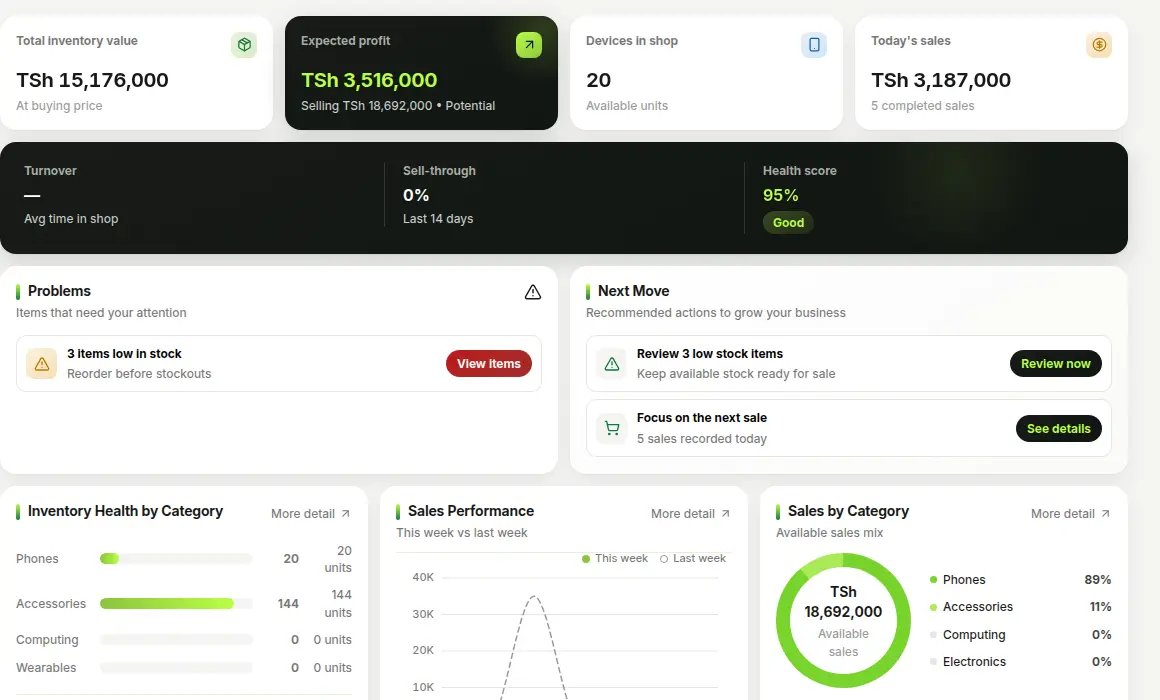
Open Review batch. You see the total you paid, the total selling value and your expected profit.
- 5
Confirm
If the numbers look right, confirm. All devices join your stock together, and the supplier and batch are recorded.
Tip
Accessories and other items without an IMEI are added by quantity. Choose the other-items option when you start receiving.