Sell on credit and record part payments
In short: Take what the customer can pay now, record the balance as a debt, then record each payment as it arrives.
- 1
Start the sale as usual
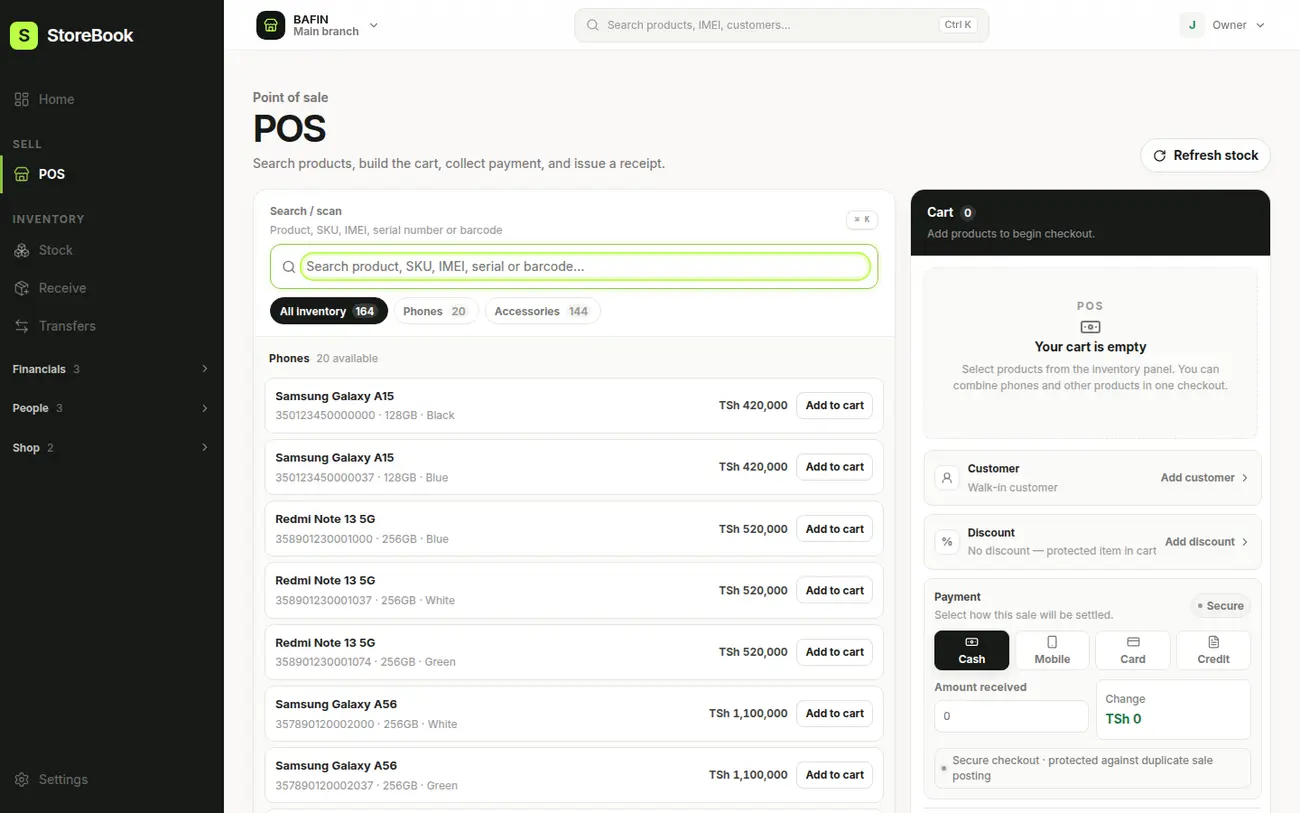
Add the device in POS and open Review sale. Add the customer’s name and phone so you can remind them later.
- 2
Choose Credit
Choose Credit as the payment. Enter the Amount paid now, and a Due date for the rest.
- 3
Complete the sale
The receipt shows what was paid and the Balance due. The balance is added to Debts.
- 4
Record a payment later
Open Debts, find the customer and tap Record payment. Enter the amount, or choose Full amount.
- 5
Add the reference
If they paid by mobile money, type the reference, for example the M-Pesa code. You can see all Payments so far for that customer.
Tip
The Debts page shows who owes you, how much, and for how long. It also has a one-tap reminder you can send on WhatsApp.