Give a discount
In short: Switch discounts on in Settings, then enter an amount or a coupon at the sale.
- 1
Switch discounts on
Go to Settings, then Sales, and turn on Allow discounts. If it is off, the POS tells you discounts are off for this shop.
- 2
Check the person’s permission
Staff need the discount permission in their role. An owner can change roles in Staff & Roles.
- 3
Enter the discount at the sale
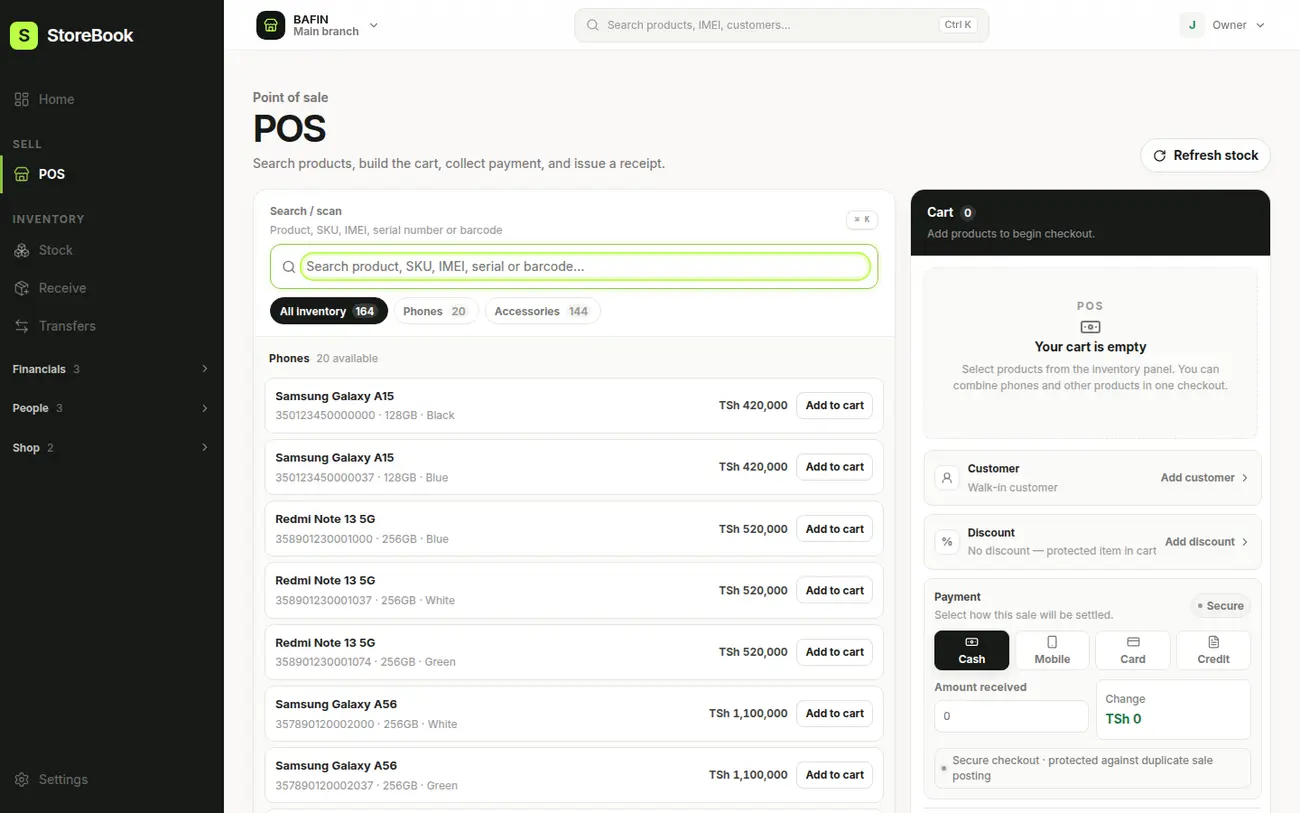
In Review sale, enter the Discount in TSh. Or choose a coupon, either a TSh amount or a percentage, and enter its value or code.
- 4
Check the receipt
The receipt shows the subtotal, the discount and the final total, so the customer sees exactly what was taken off.
Tip
A discount cannot be more than the sale subtotal. Some items can be marked as not allowing discounts, and the POS warns you.