Record an expense
In short: Write down rent, transport and other costs, so your profit is the real number.
- 1
Open Expenses
In the menu under Financials, open Expenses. You need the money permission to see it.
- 2
Add an expense
Tap Add an expense. Enter the Amount in TSh and a Category, for example rent, transport or electricity.
- 3
Choose one-time or repeating
For a cost that comes again, such as rent, choose Repeats. Then set how often (weekly, monthly or yearly) and the first due date.
- 4
Save and review
Save it. Your Expense history lists everything, newest first, and you can filter by date or category.
Tip
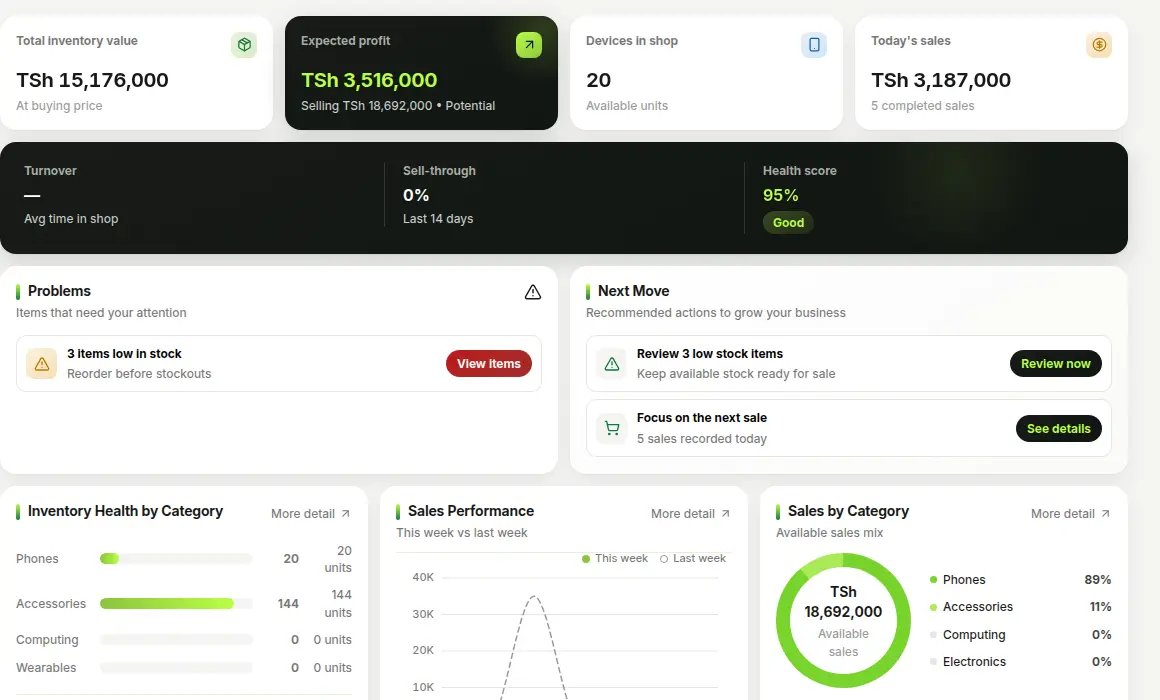
Record expenses weekly. Your profit on the Overview and Reports pages takes them into account.